
Hikvision firmware region mismatch: what to check before downloading
Updated
Before downloading Hikvision firmware, record the device, region and purchase source. Use the compatibility checklist and supplier handoff sheet to confirm the applicable update path.
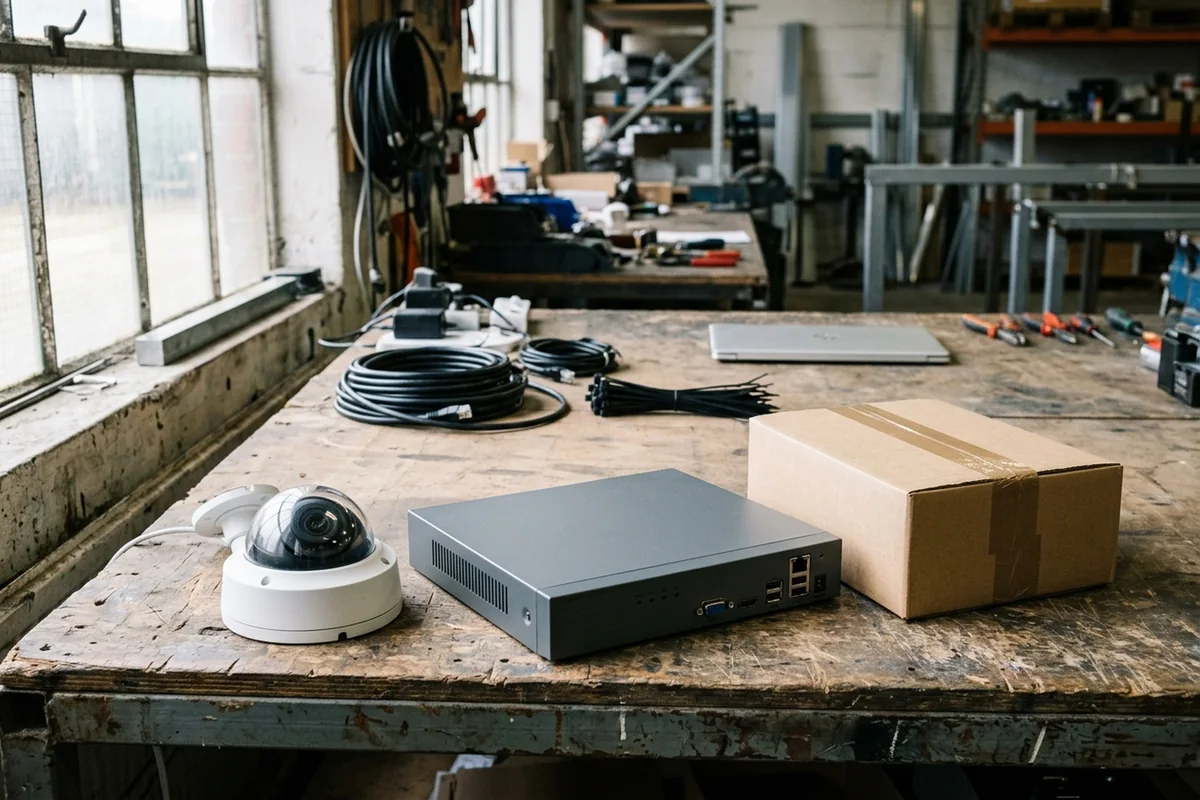
The wrong regional firmware can damage a device. For a North American Hikvision unit, use firmware from the North American websites or support team; do not select a newer file from another region. If the unit’s intended market or software platform is unknown, stop file selection until the original supplier or regional support confirms it.
This guide helps installers and buyers turn a Hikvision region mismatch firmware download search into a device-specific support request. Use the stop-or-proceed checklist and copyable handoff sheet to request the correct package and upgrade sequence.
DistributorIndex is a manufacturer; this guide is part of our brand and channel resource library. A company on our Hikvision distributor hub is a research lead; its listing does not confirm the region, firmware compatibility or support eligibility of your unit.
Start with the regional boundary
Hikvision’s North American support FAQ advises against using a newer release found on another regional Hikvision site. It warns that cross-region firmware may fail or harm the device and directs North American units to North American firmware sources. Match the package to the unit’s full model, software platform and supported upgrade sequence.
For equipment intended for another market, use the relevant regional support route to establish compatibility. The country where a camera is now installed is an input for the request; do not treat it as proof of the market for which the unit was supplied.
Our recommendation: keep the proposed package separate from the device until region, platform and upgrade path are confirmed. A higher version number alone does not settle any of those questions.
Record the unit before comparing download files
Build the record from the unit and purchase documents. Copy the complete model designation, including suffixes, and the installed firmware version and build exactly as displayed. If a platform identifier is shown, record it separately; ask the regional support team where to find it if it is not displayed.
Hikvision’s update-failure FAQ says devices with the same model number can use different software platforms. A model-name match therefore does not establish that a package is suitable. Record the exact error as well: an update failure is not, by itself, evidence of a regional mismatch or an unauthorized seller.
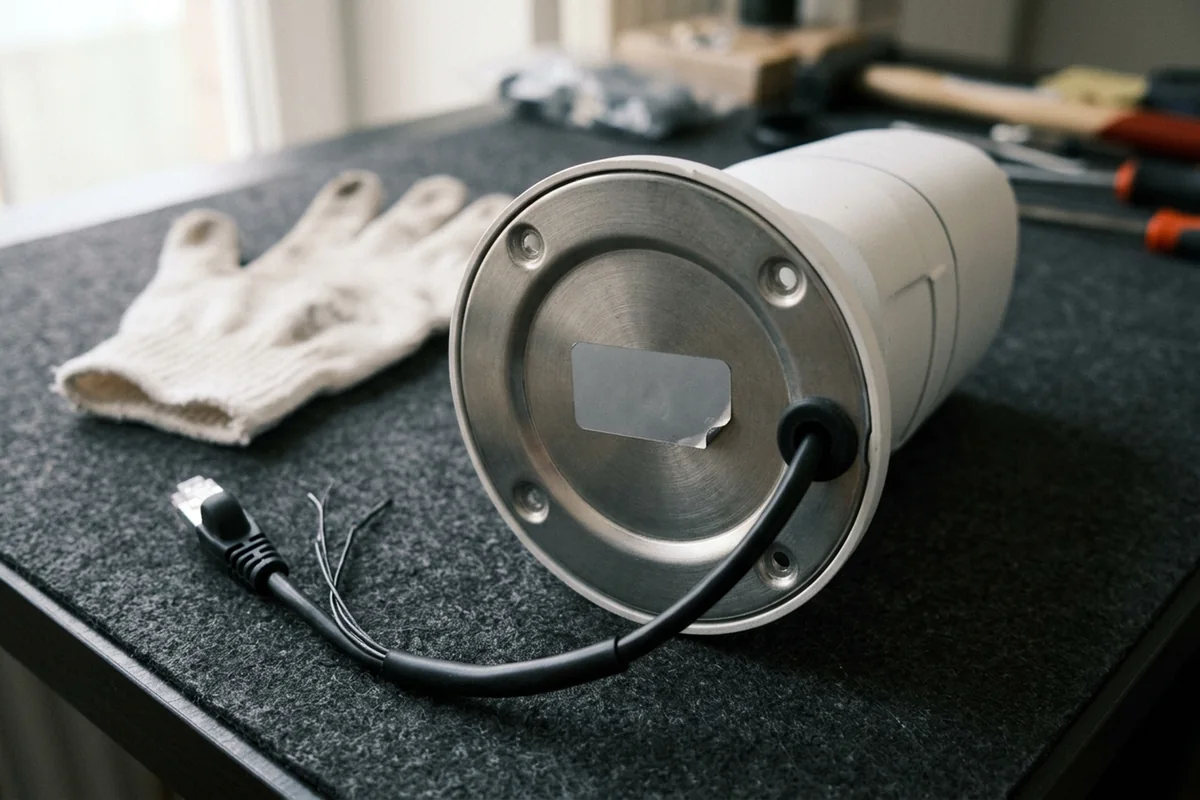
Keep full serial numbers and purchase documents in a private exchange with the verified supplier or brand support. Redact device identifiers, account details and addresses from public forum screenshots. Never include passwords in the handoff.
Use this stop-or-proceed checklist
Read from the top. Any unresolved identity or compatibility question keeps the request in the confirmation branch; “proceed” means using the confirmed instructions, not trying a file to see whether it works. This is our procurement checklist, compiled from the official regional warning and update-failure guidance.
Scroll horizontally to see all table columns on smaller screens.
| What you have established | Decision | Evidence needed next |
|---|---|---|
| The unit’s intended market is unknown, or conflicts with the package’s stated region | Stop file selection | Supplier or regional support confirmation tied to the unit |
| Market is known, but the full model or platform is unresolved | Stop file selection | Complete device information and confirmation of the matching platform |
| Region and platform are confirmed, but the current-to-target upgrade sequence is unknown | Hold the update | Written upgrade sequence and any required intermediate packages |
| Support has matched this unit, regional source, package and upgrade sequence | Proceed using that unit’s instructions | Retain the support reply, exact package reference and applicable instructions |
| An update has already failed or the unit is unavailable | Stop repeated file trials | Exact error, current device state and previous attempted package details for support |
An invoice or directory record helps trace the seller; neither proves which binary belongs on the unit. Use how to verify a distributor listing to inspect the company evidence independently of the firmware decision.
Why a failed update does not identify the cause
Hikvision’s update-failure FAQ lists an incorrect platform package and a package that has not been extracted as possible causes. It also notes that some upgrades need intermediate versions, and that browser-related issues can interrupt the process. These are alternatives to investigate after the unit and regional source have been established; they are not instructions to keep retrying unrelated firmware.
For an old firmware download, the useful question is which supported sequence connects the installed release to the approved target. If an intermediate release is required but unavailable, leave that step unresolved for support. Request missing intermediate files, downgrade eligibility or recovery instructions from regional support for the exact unit.
A firmware update tool does not answer the identity question either. Choose the package and update method from the instructions confirmed for the specific unit. A forum post about a similarly named recorder cannot confirm your hardware or regional package.
Trace the supply route separately from compatibility
Our recommendation is to retain the seller’s legal name, invoice reference, purchase country and date, and any written statement about the intended market or support route. Compare what the seller represented at purchase with what regional support can confirm for the unit. Leave any disputed statement marked unresolved.
The security camera distributor research guide explains how to narrow a directory search. Brand and country pages organize those records by market; they do not determine the region of a purchased camera. The evidence labels on how we verify listings apply to company records, while what a listing means explains their limits.
Copy this supplier support handoff sheet
Use the rows below as a private support record. Complete the sheet from the device information and purchase documents. Our suggested acceptance condition is a reply that connects the identified unit to the applicable regional source, package and sequence, or clearly states what remains unresolved.
Scroll horizontally to see all table columns on smaller screens.
| Item to record | Why it belongs in the request | Your record |
|---|---|---|
| Full model designation and suffixes | Avoids relying on a shortened product name | |
| Installed firmware version and build | Establishes the starting point for an upgrade sequence | |
| Software platform identifier, if shown | Same model names can have different platforms | |
| Serial number or label photograph, shared privately | Lets the verified recipient identify the actual unit | |
| Installation country and intended sales region | Makes the regional question explicit | |
| Seller, purchase country/date and invoice reference | Traces the supply route and seller’s commitments | |
| Proposed official page URL, package filename and target version | Identifies exactly what is being considered | |
| Exact error, previous attempted package and present device state | Distinguishes a planning question from an update that already failed | |
| Confirmed upgrade sequence and intermediate files, if needed | Records the reply rather than guessing missing steps |

Send your requirements in this completed sheet to your original supplier or the relevant Hikvision regional support team and ask them to confirm the applicable regional download source, matching package and upgrade sequence for this unit. Use the verified recipient’s private support channel for the packet.
Sources and applicable market
Hikvision North American support sources: newer firmware on another regional website (modified October 25, 2022), reasons camera firmware may not update (modified November 17, 2022), and where to find camera firmware (modified November 17, 2022). The last page describes a model-based search route; its older website navigation is not a compatibility check.
Use the checklist to record the unit identity, region and installed software before requesting the matching firmware package from the original supplier or Hikvision regional support. Use the current instructions for that exact model and market.