
How to Verify a Distributor for a Specific Order
Updated
Review a distributor’s company identity, current OEM relationship, product documentation, inspection scope and payment arrangement for the proposed order.
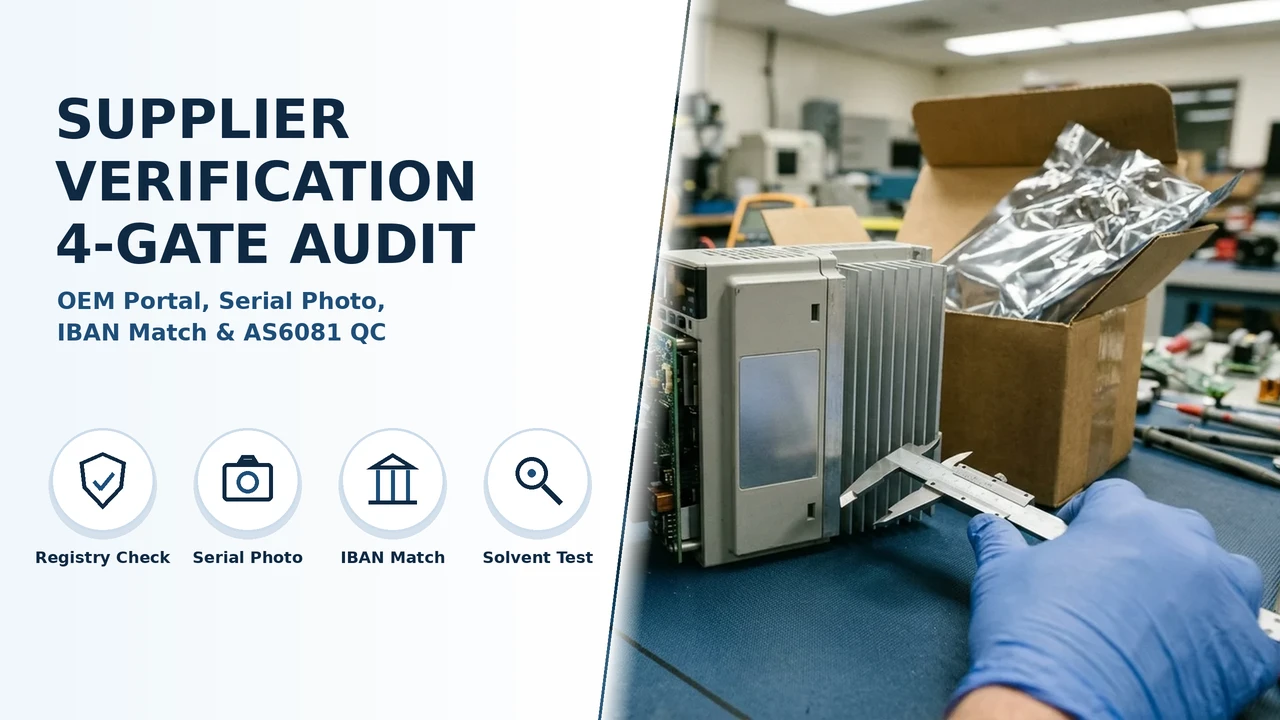
Check the company and current OEM relationship, then connect the quotation to the exact product, lot, inspection criteria and payment arrangement. Store the source URL and review date so later changes can be checked against the order.
Check the company and current OEM relationship, then connect the quotation to the exact product, lot, inspection criteria and payment arrangement. Store the source URL and review date so later changes can be checked against the order.
DistributorIndex is a manufacturer. Our brand, country and industry resources also retain attributed records about third-party companies. Their channel relationships and OEM policies belong to the named organisations; our own supply scope is defined in the project proposal.
Review the company and current channel relationship
Compare the legal name and branch on the quotation with current registry and OEM records. Check the named product line and territory rather than relying on a logo or broad partner description. Resolve a mismatch through independently obtained company or bank contact details.
Connect documents to the offered equipment
Request the full product identity, condition, revision, quantity and relevant traceability documents. Agree which identifiers and images will be recorded for the supplied lot. A quotation, shipment and inspection record should refer to the same configuration.
Set a product-specific inspection plan
Choose checks and sampling with the responsible quality team according to product risks, applicable requirements and the contract. Document the methods, acceptance criteria and treatment of exceptions. An electronics screening procedure is not automatically suitable for every complete industrial device.
Separate documentary credit from escrow
ICC UCP 600, Articles 1, 4 and 5, concerns documentary credits that expressly incorporate it. Banks examine stipulated documents; this is separate from the sale contract and the goods inspection.
An escrow service is a separate arrangement with its own provider, release conditions and dispute terms. Agree the payment instrument, beneficiary and required documents with your bank or adviser for the actual transaction.
Budget verification and delivery work explicitly
List the actual review, inspection and delivery costs. If estimating alternative outcomes, identify each assumption and calculate scenarios rather than presenting an assumed fraud rate as observed data. Payment stages and order sizes belong in the agreed commercial terms, not a universal threshold.
Prepare the order review record
Keep the current company/channel sources, product documents, inspection plan, payment instructions and agreed exceptions with the quotation.
Scroll horizontally to see all table columns on smaller screens.
| Input | Purpose | Useful format |
|---|---|---|
| Product identity | Match the offered equipment or component | Complete part number, revision, condition and quantity |
| Destination and site | Define regional and installation requirements | Country, site, utilities and access information |
| Software and interfaces | Define the integration and entitlement scope | Firmware, licence, controller and interface references |
| Inspection and acceptance | Agree the applicable checks | Samples, conditions, acceptance criteria and responsible team |
| Delivery and support | Compare the complete commercial scope | Packing, named delivery point, installation and support responsibilities |
Sources and application
Reviewed 20 October 2026. OEM and government links below support their stated scopes. Inspection methods and sample quantities must come from the applicable product requirements, contracted inspection plan and current standards used by the responsible quality team. The planning examples use stated assumptions; they are not measured failure rates, market averages or mandatory purchasing thresholds.
Payment scope: ICC UCP 600, Articles 1, 4 and 5. Company-specific warranty example: Rockwell Automation.
Our third-party research records preserve the named company and original source. Explore the distributor records, brand records, country records and industry records. Our own manufacturing scope is described in About and the quality process.
Related product and channel guides: what a listing on this directory means, official, source-supported, and unverified labels, how to find a brand distributor, how to use brand × country pages, ADI US account approval guide, ADI credit application document checklist, how to research security camera distributors, how to research networking distributors, Cisco grey-market warranty and support checklist, used Cisco license transfer cost evidence, Hikvision firmware region mismatch supplier checks, Axis project pricing distributor handoff.
Frequently asked questions
What should I include in a supplier enquiry?
Send the complete product or system requirement, destination, quantity and desired delivery scope. Ask for the selected configuration, applicable documents, inspection plan and support terms in the quotation.
Do relationship labels determine inspection or commercial terms?
No. Read the cited source, scope and checked date, then agree the checks and commercial terms for the particular product and order.
Related pages
- How we verify listings
- Official vs source-supported labels
- What a listing means
- Distributor directory
- How to find a brand distributor
- How to use brand × country pages
- Cisco grey-market warranty checklist
- Hikvision firmware region mismatch checks
- Axis project pricing distributor handoff
- How to get an ADI account in the US