
MikroTik Official Distributor and Master Distributor Verification Guide
Updated
Verify a MikroTik distributor’s locator rank, RouterOS license level and seller-routed warranty path before approving a networking equipment quotation.
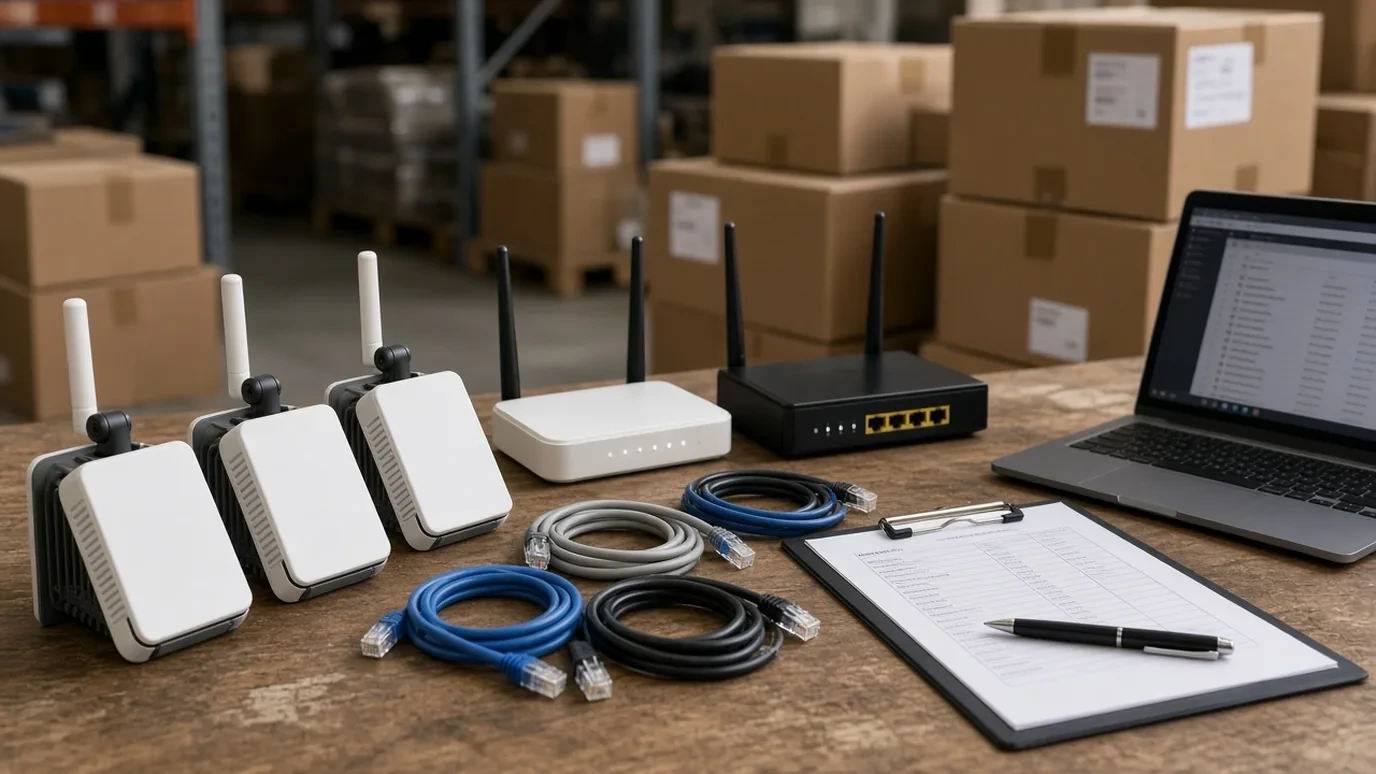
To verify a MikroTik distributor, match the quoted company to MikroTik’s Official Distributors locator ranks (Value Added Distributor, Master Distributor, or Reseller), confirm the offered unit’s preinstalled RouterOS license level, and contact the seller regarding warranty terms.
Use the MikroTik distributor listings to build a shortlist, then apply the channel, license and warranty checks below to the quotation you intend to accept. For the wider category context, start from the networking directory.
Match the quoted seller to MikroTik distributor ranks
MikroTik organizes the sale of products and services through an international network of 400+ companies selling its products.
MikroTik distributes its products across 120+ countries around the world.
For purchases of hardware or MikroTik RouterOS, MikroTik directs buyers to contact its Official Distributors.
On the official MikroTik Distributors locator, Distributors are classified by rank into Value Added Distributor, Master Distributor, and Reseller.
Alongside Distributors, the official MikroTik locator lists Consultants, Trainers & Training centers, and Academies.
In our Networking industry directory, we list 192 published company profiles tagged with Networking; category listings do not by themselves confirm stock availability, authorization, or company capabilities.
In our MikroTik brand directory, we list 18 published company profiles associated with MikroTik, and inclusion alone does not prove current authorization, territory, or partner tier.
Use how to verify a distributor and directory evidence labels when reviewing a supplier profile. Record the quoted legal entity against the locator rank before approving the order.
Scroll horizontally to see all table columns on smaller screens.
| Locator category | Published ranks or roles |
|---|---|
| Distributors | Value Added Distributor; Master Distributor; Reseller |
| Non-distributor partners | Consultants; Trainers & Training centers; Academies |
Confirm MikroTik distributor qualification signals
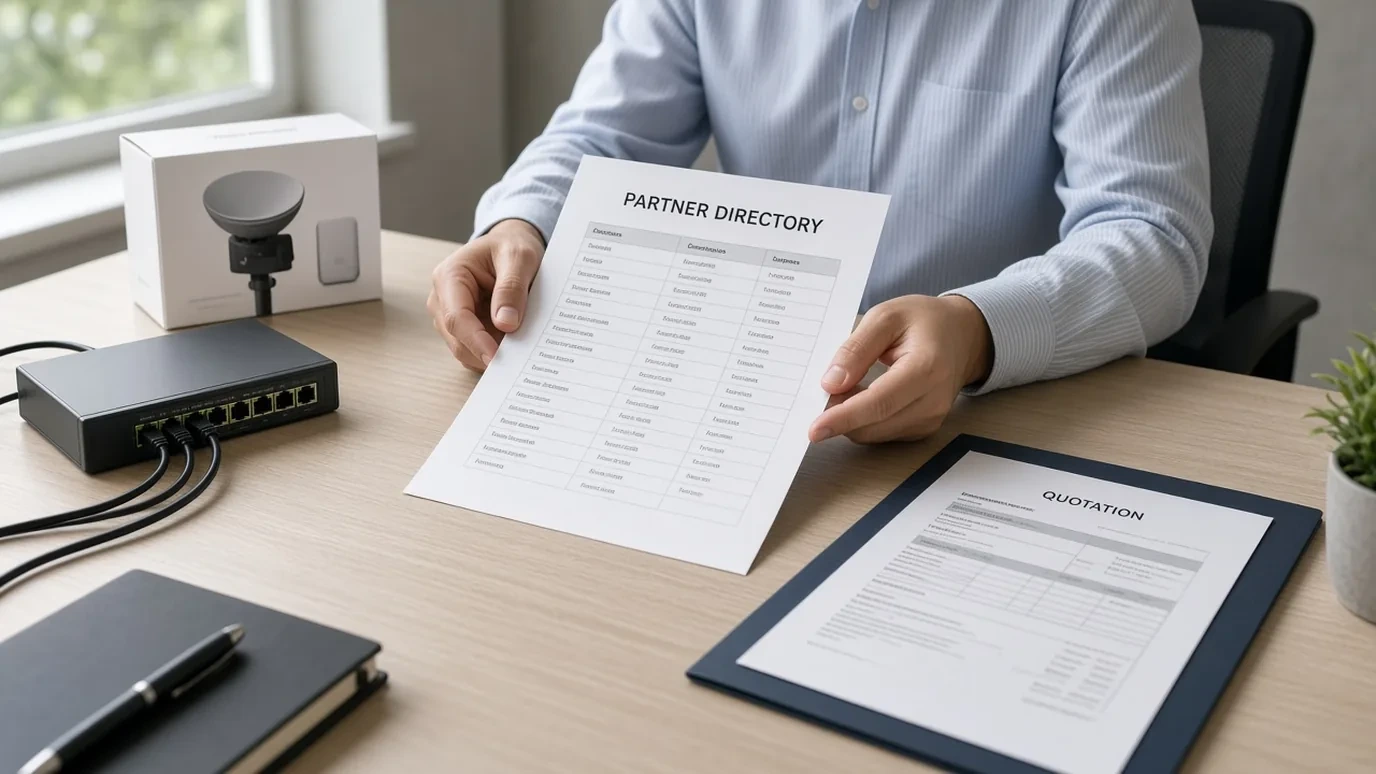
Becoming a distributor of MikroTik products requires an interview with a MikroTik Sales representative to discuss goals and sales policies.
MikroTik distributor qualification requires the presence of a MikroTik certified technical support specialist holding at least an MTCNA level certificate.
MikroTik requires distributors to place regular orders, ensure adequate turnaround, and have quarterly calls with MikroTik.
As part of its Know-Your-Customer extended policy, MikroTik has a contract on AML/KYC risk assessment with Accuity.
Prospective partners applying to become a MikroTik distributor are instructed to email sales@mikrotik.com.
MTCNA (MikroTik Certified Network Associate) is MikroTik’s Basic certified training program, and an MTCNA certificate is required to advance to Advanced courses such as MTCRE.
Each MikroTik certification test consists of 25 single or multiple choice questions with 60 minutes to complete and a 60% pass score.
A MikroTik certificate is valid for 3 years from the date of issue, and its validity can be checked using MikroTik’s certificate search.
Ask the seller for current channel confirmation covering the product family and destination market, then keep that reply with the quotation. For project entitlement handoffs, use the deal-registration guide.
Verify the preinstalled RouterOS license on offered hardware
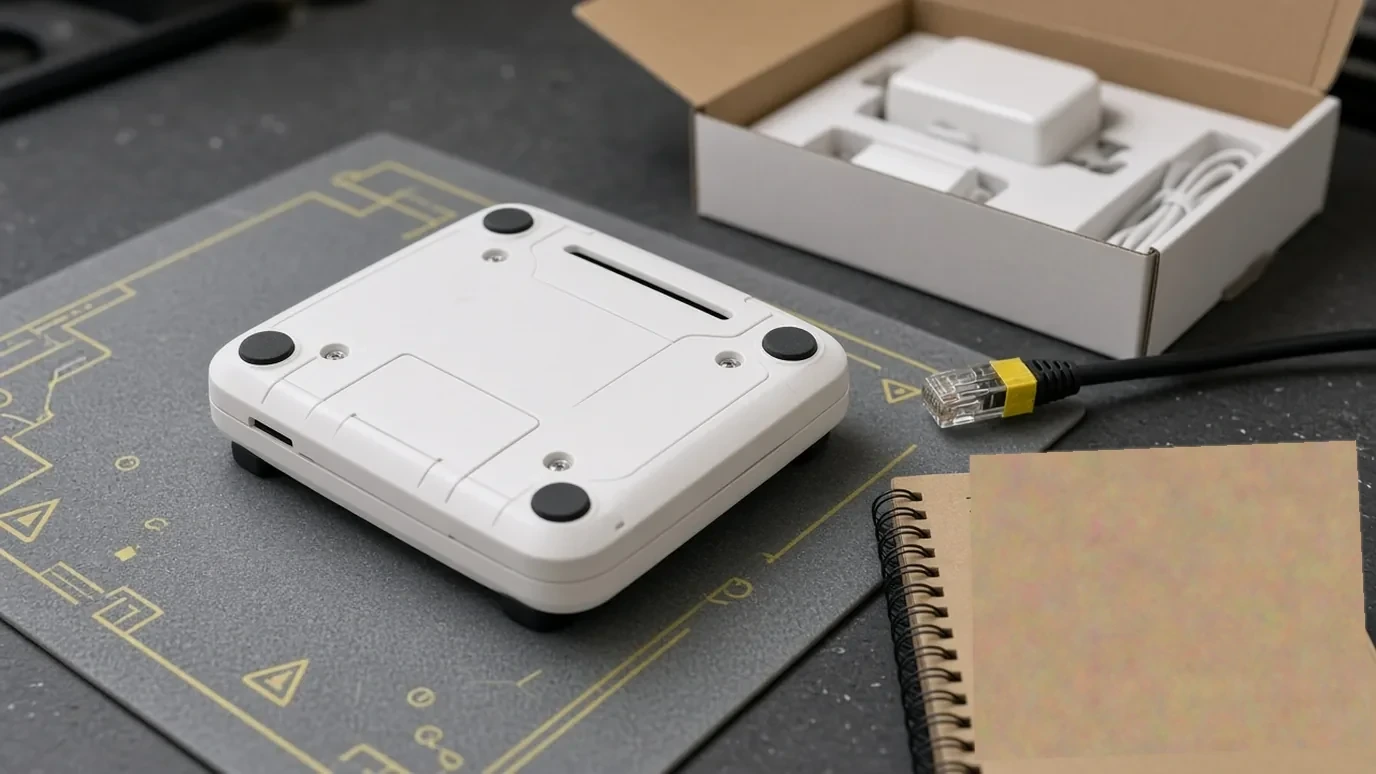
MikroTik hardware routers running RouterOS come with a license pre-installed, and license details (software-id and nlevel) can be retrieved via /system/license/print.
In RouterOS licensing, RouterBOARD Software ID is bound to storage media (HDD, NAND), x86 Software ID is bound to MBR, and CHR System ID is bound to MBR and UUID.
MikroTik hardware includes an embedded license permanently tied to the device that cannot be transferred to another system, including any license upgrades applied while operational.
RouterOS Level 3 licenses are intended for wireless station (client/CPE) use only and are not available for individual purchase on x86 PCs.
RouterOS License Level 3 (WISP CPE) is not for sale, Level 4 (WISP) is priced at $45, Level 5 (WISP) is priced at $95, and Level 6 (Controller) is priced at $250.
All RouterOS licenses never expire, support an unlimited number of interfaces, are valid for a single installation each, and include unlimited software upgrades (except the demo license, which does not allow RouterOS version upgrades starting from version 7.8).
RouterOS license keys purchased from third-party vendors and resellers do not appear in the buyer’s mikrotik.com account, and the buyer should contact that third-party vendor directly for license support.
The MikroTik SXTsq Embedded LTE4 (product code EC25-EU-SXTsq) ships with RouterOS v7 and License Level 3, has an IP67 ingress protection rating, and has a 5 W max power consumption.
The MikroTik hAP be lite (product code A42G-HBEP) ships with RouterOS v7 and License Level 4, features 3x 1G Ethernet ports, 512 MB RAM, 128 MB NAND storage, an IP20 rating, and a 12 W max power consumption.
The MikroTik Chateau PRO ax (product code H53UiG-5HaxQ2HaxQ) ships with RouterOS v7 and License Level 6, features 5x 1G Ethernet ports, 1 GB DDR3 RAM, 128 MB NAND storage, and an IP20 rating.
The networking procurement guide helps place license scope beside hardware, software and ongoing support requirements on the same purchase file.
Scroll horizontally to see all table columns on smaller screens.
| License level | Published list price |
|---|---|
| Level 3 (WISP CPE) | not for sale |
| Level 4 (WISP) | $45 |
| Level 5 (WISP) | $95 |
| Level 6 (Controller) | $250 |
In wireless Point-to-Multipoint (PtMP) links, the access point must have at least a Level 4 RouterOS software license, whereas client devices connected to the AP and devices in a PtP link can use License Level 3.
On MikroTik devices using wifi-qcom drivers, PTMP operations and Mode: AP are universally available regardless of license level.
Confirm seller-routed warranty, support and repair license risk
If a device was purchased from an official MikroTik distributor, the buyer should contact the seller regarding warranty terms.
The RMA system at a MikroTik distributor account is used for devices purchased from MikroTik directly, and RMA questions are directed to rma@mikrotik.com.
Before contacting MikroTik support, users whose device was not directly purchased from MikroTik are instructed to contact their distributor for help and support.
MikroTik technical support does not include training on TCP/IP, and an e-mail reply from MikroTik support might take up to 3 business days.
In RouterOS CLI, running /system/sup-output creates the supout.rif diagnostic file, which is typically about 1 MB on a home router.
If a device loses its RouterOS license due to repairs that were not performed by a distributor under warranty, the owner is required to purchase a new RouterOS license at full price.
For a separate Ubiquiti channel check on the same networking bill of materials, use the Ubiquiti distributor verification guide. Put the seller warranty contact and any coverage reply in the quotation before acceptance.
Scroll horizontally to see all table columns on smaller screens.
| Request | What to match | If the reply is incomplete |
|---|---|---|
| Official Distributors locator rank confirmation | Quoted legal entity; Value Added Distributor, Master Distributor, or Reseller rank | Obtain current OEM confirmation for the contracting company and order scope |
| RouterOS software-id and nlevel printout | Offered model; preinstalled license level; non-transferable hardware binding | Inspect /system/license/print on the allocated unit before acceptance |
| Seller warranty and support contact | Seller RMA path; first-line support owner; any written coverage reply | Name the return contact before ordering; do not assume a direct factory RMA |
| Invoice and device identifiers | Seller, model, quantities, purchase date and delivered identifiers | Reconcile substituted stock or mismatched device and box labels at receiving |
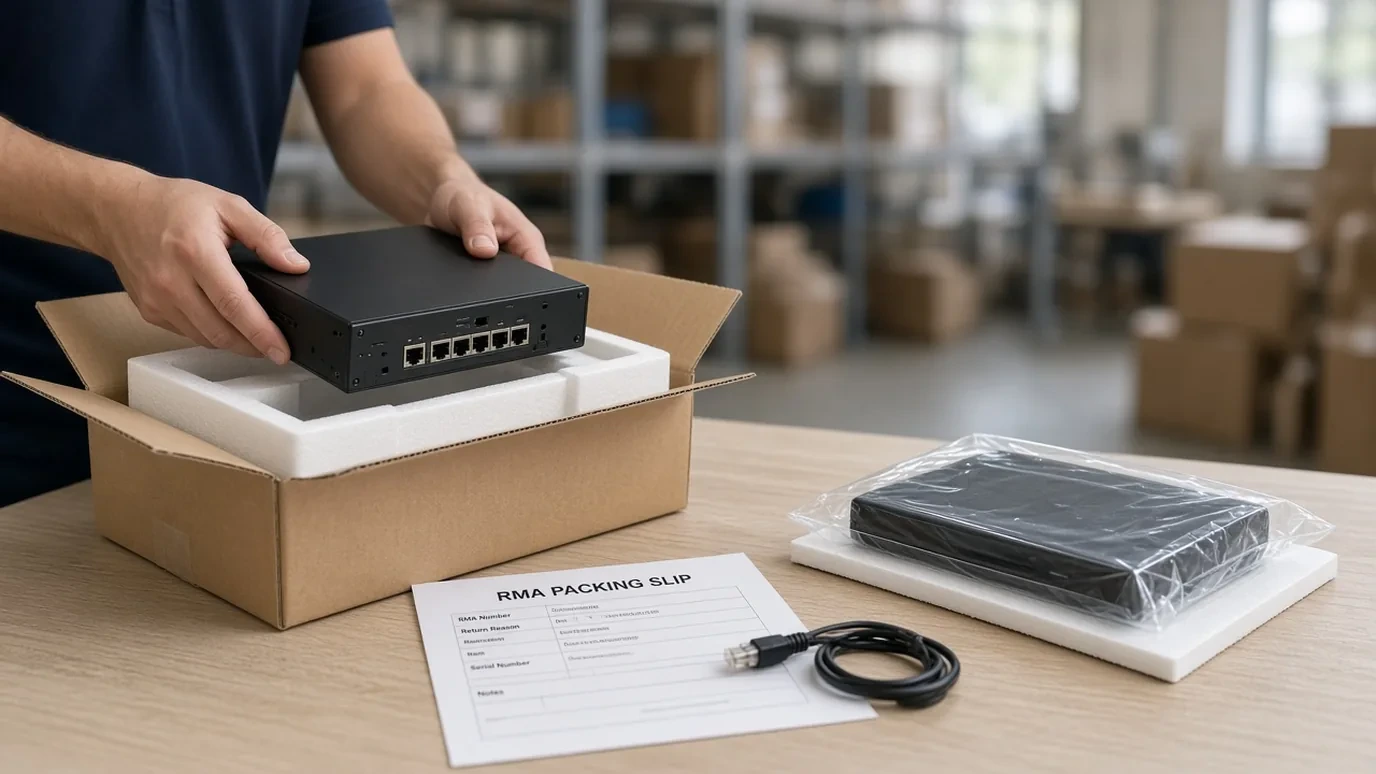
Request locator-rank confirmation, the RouterOS license printout and the seller warranty contact as one packet. Keep the supplier’s answers with the accepted quotation so purchasing, receiving and support use the same agreed basis.
Frequently asked questions
Which MikroTik locator ranks count as product distributors?
MikroTik's Official Distributors locator groups hardware and RouterOS sellers into three commercial ranks—Value Added Distributor, Master Distributor, and Reseller—kept separate from Consultants, Trainers, and Academies.
How do I check the RouterOS license on MikroTik hardware?
Run /system/license/print on the preinstalled RouterOS device to inspect its software-id and nlevel; embedded hardware licenses and any applied upgrades stay permanently bound to that storage media.
Who handles warranty when I buy from a MikroTik distributor?
End buyers claim warranty and initial technical support through the selling distributor or reseller; MikroTik's direct portal RMA system applies only to accounts that purchased hardware straight from MikroTik.
Do our MikroTik brand listings prove current authorization?
No. The 18 company profiles on our MikroTik brand page are research starting points and do not by themselves establish active partner rank, territory rights, or stock.
Verify a supplier or sourcing brief with our team
Send your MikroTik verification or sourcing brief to our team. Include the distributor listing path or quoted legal entity, product list, destination market, and requested license or warranty scope.
Sources
MikroTik Official Website — Becoming a Distributor
MikroTik Official Website — Distributors Locator
MikroTik Official Website — MikroTik Training
MikroTik Official Website — Warranty / RMA Policy
MikroTik Official Website — Support Service
MikroTik RouterOS v7.26 Manual — MikroTik Hardware Licensing
MikroTik RouterOS v7.26 Manual — x86 Licensing
MikroTik RouterOS v7.26 Manual — Supout.rif
MikroTik Documentation — RouterOS license keys
MikroTik Documentation — Wireless
MikroTik User Manual — SXTsq Embedded LTE4
MikroTik User Manual — hAP be lite
MikroTik User Manual — Chateau PRO ax
DistributorIndex — Networking Distributor Listings
DistributorIndex — MikroTik Distributor Listings