
Ubiquiti Distributor: Authorization and Warranty Evidence
Updated
Verify a Ubiquiti distributor’s authorization scope, device identity and warranty start date. Get the evidence to assess a quote before ordering.
To verify a Ubiquiti distributor, match the quoted company and branch to Ubiquiti’s regional channel directory, confirm the product and destination scope, and obtain a warranty response tied to the offered unit’s MAC ID or serial number. Ubiquiti’s published limited warranty measures channel coverage from shipment to the authorized distributor or reseller, so establish that start basis before relying on a remaining warranty term.
Use the Ubiquiti distributor records to build a shortlist, then apply these checks to the quotation you intend to accept. For a wider equipment requirement, the networking directory provides the industry context.
How to verify a Ubiquiti authorized distributor
Start with Ubiquiti’s Find a Distributor tool and select the purchasing region. Check which category contains the company: the directory distinguishes distributors and master resellers from resellers. Record the listed entity, branch address and contact details alongside the legal company named on the quotation.
Match the contracting entity before checking the product scope. If a quote comes from another subsidiary, branch or trading name, ask the seller to explain the relationship and obtain current OEM confirmation for the entity taking the order. For company and payment checks, use how to verify a distributor.
Ask for an authorization letter or current OEM confirmation covering the relevant product line and destination market. If the letter states a validity period, check it against the intended order date. A broad company listing establishes a channel reference; the scoped confirmation connects that reference to your proposed transaction.
When comparing company records on DistributorIndex, use the guide to official and source-supported labels to interpret the evidence attached to each record. Keep the current OEM confirmation with the quotation and subsequent invoice.
When does the Ubiquiti warranty start?
The purchase route determines the start event in Ubiquiti’s published Limited Product Warranty. Direct webstore coverage runs from delivery to the customer; authorized-channel coverage runs from shipment to the authorized distributor or reseller. The policy’s stated update date is October 9, 2020.
Scroll horizontally to see all table columns on smaller screens.
| Purchase route | Stated period and start event | Evidence to retain |
|---|---|---|
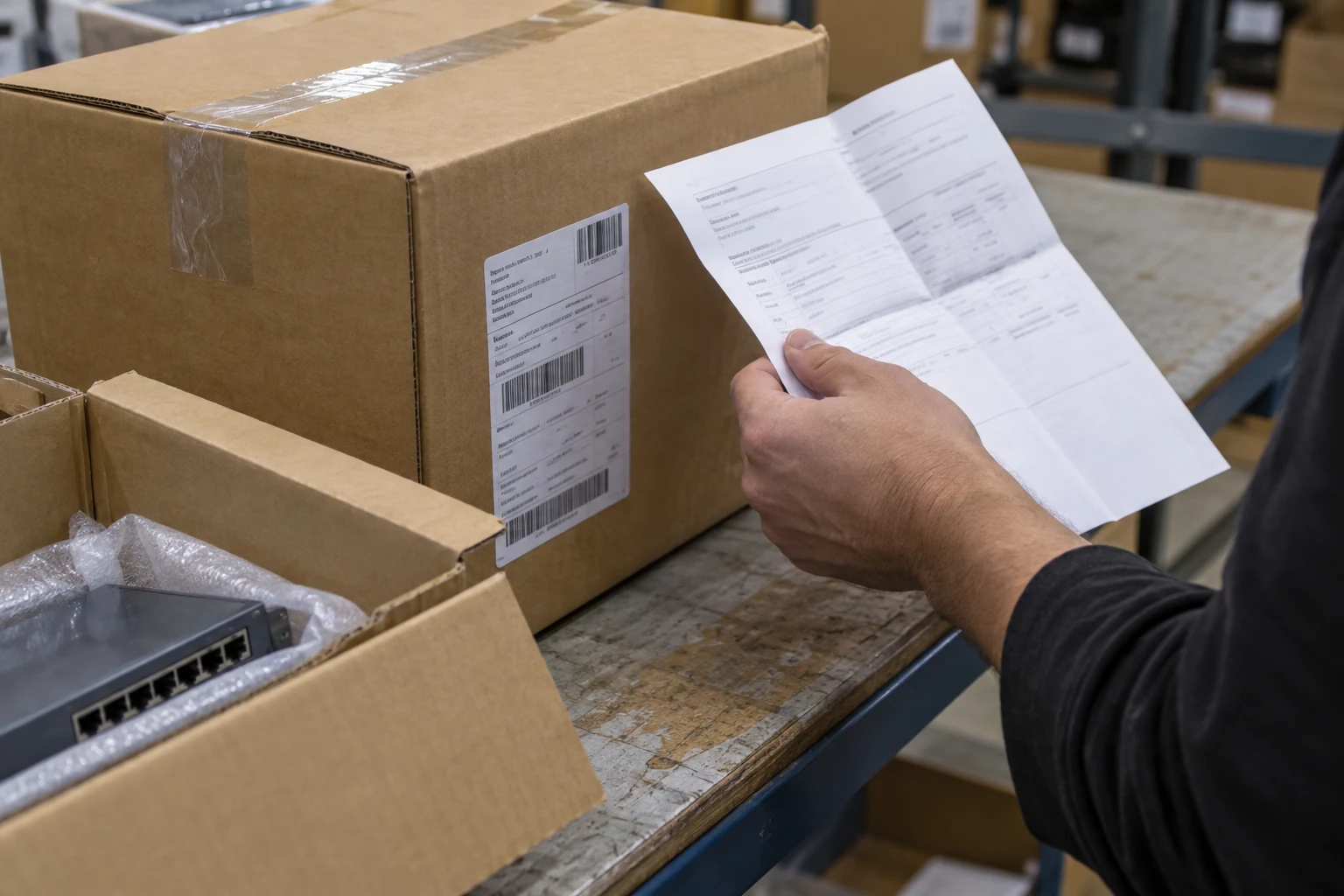
| Customer buys directly from an official Ubiquiti webstore | Two years from delivery of the product to that customer | Order, proof of purchase and delivery record |
| Customer buys from an authorized Ubiquiti distributor or reseller | One year from shipment of the product to that authorized distributor or reseller | Invoice plus the shipment or coverage basis confirmed for the offered unit |
For channel stock, obtain a written coverage response linked to the device identifier. Ask what date or shipment record supports the stated start and end of coverage. The end-customer invoice remains important purchase evidence, while the upstream shipment event determines the manufacturer’s stated channel term.
If a seller promises a period measured from your invoice date, identify the party providing that promise and obtain its terms separately. Compare manufacturer coverage, seller warranty and any additional protection on their own terms. Statutory rights depend on the applicable jurisdiction and transaction.
How to run a Ubiquiti warranty check
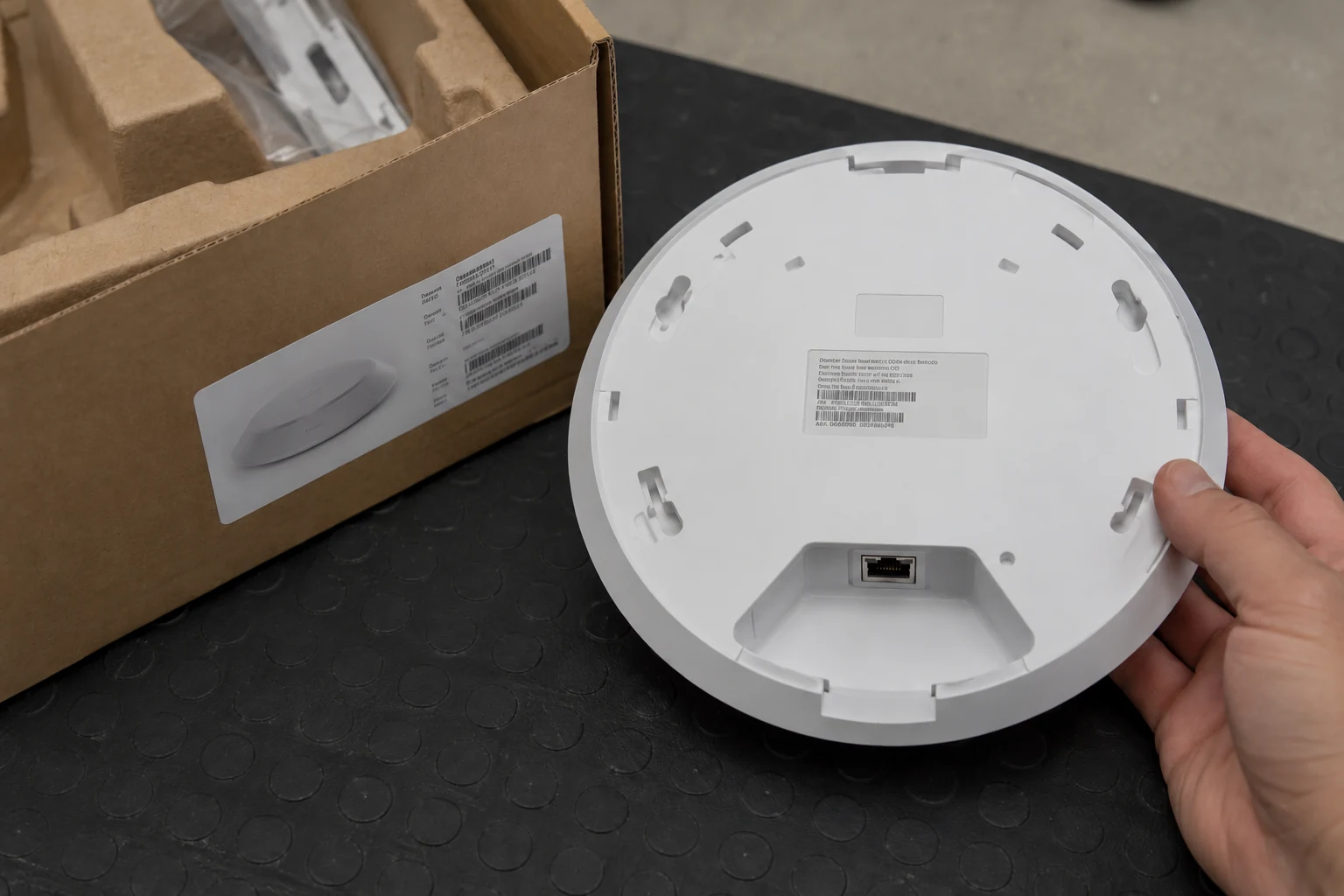
Begin with the unit’s identity and purchase records, then request a coverage response from the supplier or Ubiquiti support. Ubiquiti’s Help Center article UniFi MAC IDs and Date Codes identifies the MAC ID as the device identifier used for warranty returns; a serial number may be needed for a device without a MAC ID.
The same article locates these markings on the back or underside of devices and on product boxes. Photograph the original label and compare the device and box identifiers when the goods arrive. Preserve the original labels and record discrepancies before putting the unit into service.
Keep the date code in its own field. Ubiquiti explains that its first two digits identify the test year and the last two identify the test week. Use that code for production history; use the applicable delivery or channel-shipment record for the warranty start.
Send the identifier, model, seller, purchase date and invoice reference through the verified support channel. Ask for the applicable coverage status and its basis, and retain the written reply or case reference with the order. Where units have not yet been allocated, agree when the supplier will provide their identifiers and how coverage will be confirmed before acceptance.
What does account or program status prove?
For a quote that relies on partner benefits, obtain evidence of the specific program and entitlement being used. Ubiquiti’s UniFi Partner Hub describes a Channel Partner Program with deal registration through Authorized Partner Distributors and identifies qualifying products. Match the claimed benefit to the company, account, product and project concerned.
Ask the supplier to state the program name, its relevant account role or level where applicable, and the confirmation supporting the quoted benefit. Keep sensitive account evidence in the recipient’s approved channel. Use the deal-registration handoff guide when the offer depends on project approval.
Ubiquiti’s procurement guidance also describes installer routes for design, installation and managed services. Confirm the role you need: installation credentials, distributor status and project entitlement answer different purchasing questions. If the offer includes UI Care, request the eligible device and the separate protection terms alongside the standard warranty information.
Who handles the return?
Name the return contact and service responsibilities before ordering. Ubiquiti’s Warranty document describes an RMA process requiring contact and shipping details, purchase date and proof, the device MAC address, a problem description and troubleshooting history. Retain the invoice and obtain the RMA authorization before shipping a return.
The manufacturer policy allows replacement with a new or refurbished unit at Ubiquiti’s discretion and retains the original warranty end date. Ask the seller separately about freight, handling, turnaround commitments and any temporary replacement arrangement. Put those service commitments in the quotation or service terms.
For a deployed network, assign responsibility for removal, reinstallation and configuration recovery. The networking procurement guide helps place those responsibilities alongside hardware, software and ongoing support requirements.
What to request before ordering
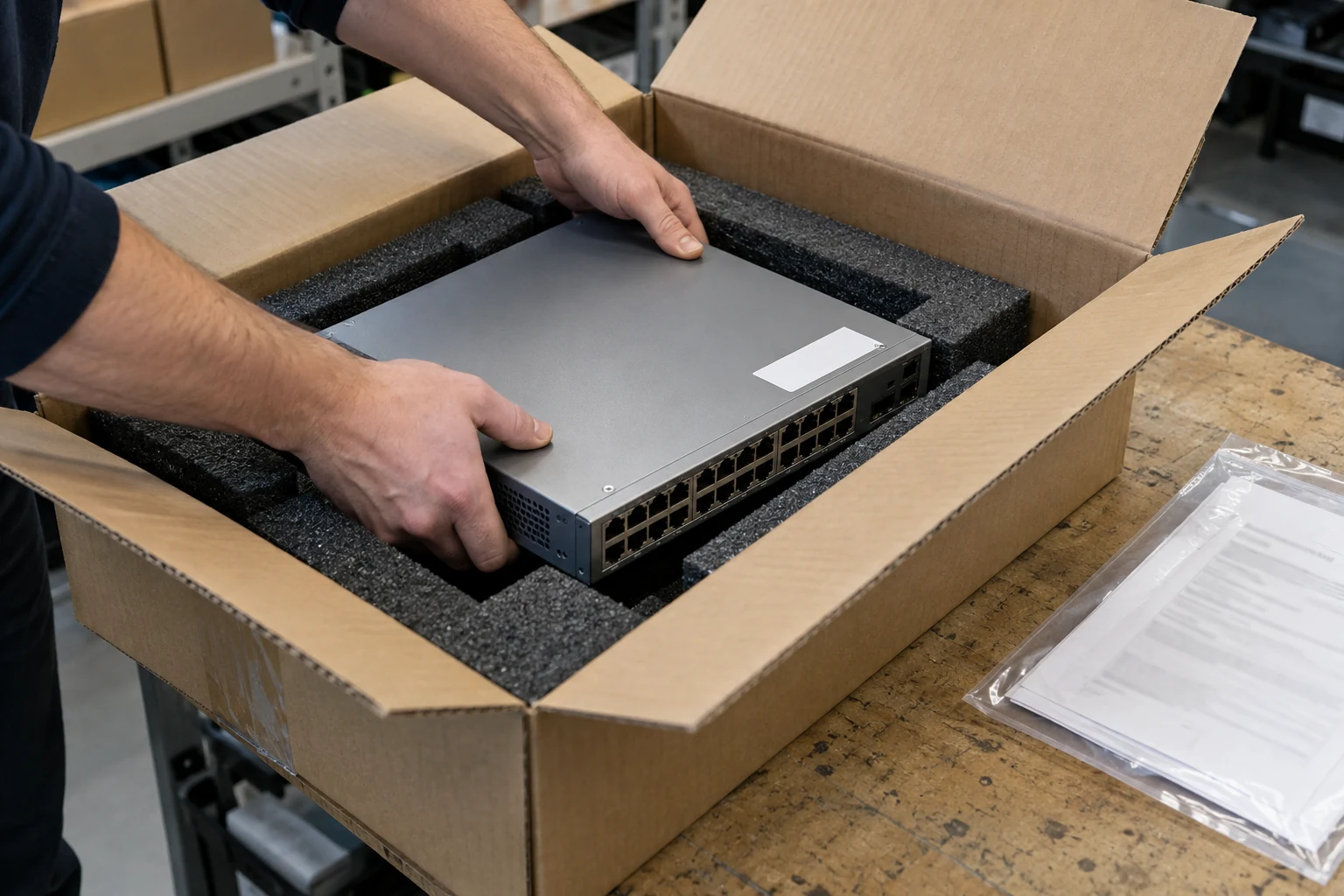
For a separate APC purchase, use the Schneider Electric product-line and territory checklist. Send the supplier your quote reference, product list and destination country with the following evidence request. Use its reply to resolve identity, scope and coverage differences before accepting the order.
Scroll horizontally to see all table columns on smaller screens.
| Request | What to match | If the reply is incomplete |
|---|---|---|
| Authorization letter or current OEM confirmation | Quoted legal entity and branch; product line; destination market; any stated validity | Obtain confirmation for the actual contracting company and order scope |
| Account or program entitlement, where a benefit is quoted | Named program, account role or level, eligible products and project reference | Ask which entitlement supports the benefit and retain the program decision |
| MAC ID or serial-linked coverage response | Offered units; purchase route; warranty status; start/end basis; responding party or case reference | Request a device-specific response and resolve the shipment-date basis |
| Invoice and traceability documents | Seller, model, condition, quantities, purchase date and delivered identifiers | Reconcile changed entities, substituted stock or mismatched device/box labels |
| RMA contact and separate service terms | Return owner, freight/handling responsibilities and any seller warranty or UI Care terms | Put the service commitment and its provider in writing |
Ask DistributorIndex about a Ubiquiti listing if the supplier’s reply raises a question about a Ubiquiti company record. Include the listing URL, quoted company name and a relevant public source or non-sensitive evidence excerpt. Specify the entity or source detail you want clarified or corrected through our record-question contact.
For the authorization and warranty response, send the evidence request above, device identifiers and purchase documents to the verified supplier contact. Retain its reply with the quotation and invoice.
Request the authorization evidence, relevant account/program status and MAC- or serial-linked warranty response as one packet. Keep the supplier’s answers with the accepted quotation so purchasing, receiving and support use the same agreed basis.
Frequently asked questions
Does a Ubiquiti serial number prove distributor authorization?
A serial number identifies equipment. Verify the seller’s channel relationship through the regional OEM directory and scoped confirmation, then use the device identifier for the separate coverage enquiry.
Can I calculate warranty expiry from the date code?
The date code identifies production/test timing. Establish expiry from the warranty’s applicable start event and a response tied to the unit: customer delivery for a direct webstore purchase, or shipment to the authorized distributor or reseller for a channel purchase.
What if the seller only offers its own warranty?
Evaluate that promise as a seller service obligation. Obtain its provider, duration, start date, covered remedies, exclusions and return process in writing, and establish any manufacturer coverage separately before comparing the offer.
Source documents
Ubiquiti: Find a Distributor; Warranty, including Limited Product Warranty and Returns and Product Replacement (policy update October 9, 2020); UniFi MAC IDs and Date Codes; UniFi Procurement Guide; and UniFi Partner Hub. Use the current regional directory, applicable policy and device-specific response when placing an order.