
Schneider Electric Distributor: Authorization and Line Scope
Updated
Check a Schneider Electric distributor by product line and territory. Use the APC channel route and prepare an authorization-scope request before ordering.

To check a Schneider Electric authorized distributor, start with the manufacturer’s locator, choose the route for your requested product family, and ask for confirmation covering the seller and destination country. Buyers are responsible for verifying with their supplier that the product originates from the APC-authorized channel for their country/zone.
Use this guide when reviewing an electrical, automation or APC equipment quotation. Keep your product list beside the supplier response, and request the authorized product-line list and territory together. Start your shortlist in IT distribution or APC distributor records.
Choose the matching Schneider Electric distributor route
Use the route descriptions below to choose where to begin your supplier check. For a separate Rockwell purchase, use the Rockwell Automation distributor verification guide.
For a separate Zebra scanning or printing purchase, use the Zebra distributor verification guide.
For a separate Fluke electrical or network measurement purchase, use the Fluke distributor authorization and calibration scope guide.
Scroll horizontally to see all table columns on smaller screens.
| Route | Published scope |
|---|---|
| Distributors | The US distributor route covers Electrical, Automation and Control Distributors. |
| APC Resellers and Distributors | The APC reseller route covers UPS systems and IT infrastructure solutions. |
| System Integrators | The System Integrators route is for EcoXperts in Building Management and Security. |
| Alliance System Integrators | The Alliance route locates an Alliance System Integrator or Industrial Automation Distributor Partner. |

The US locator describes IT resellers as trained to help select, install and service products in a home or business environment.
Record the category where you find the seller, then compare the legal company and branch with the quotation. Ask for the scope covering your ordered family.
Confirm the country and authorization scope
The global IT/APC partner finder asks users to select a country.
The IT/APC partner finder supports searching by location and expertise.
In its Canadian buy-authorized guidance, Schneider Electric recommends using its Partner Locator to verify a supplier.
The Canadian guidance recommends contacting Schneider Electric with questions about a distributor’s authorization status.
Save the locator result with the quote. Read official and source-supported labels when reviewing directory evidence. Put the quoted legal seller, branch, product family and destination in the same verification request. Where the reply leaves a field unresolved, ask for a written response addressing that field before accepting the order.
Scroll horizontally to see all table columns on smaller screens.
| Field | What to request |
|---|---|
| Seller | Legal entity and branch taking the order |
| Product line | Authorized product-line list matched to the quoted family and part reference |
| Territory | Destination country or zone covered by the confirmation |
| Evidence | Current authorization evidence and any stated validity period |
| Follow-up | Manufacturer confirmation for any unresolved scope question |
Name the APC line in the request
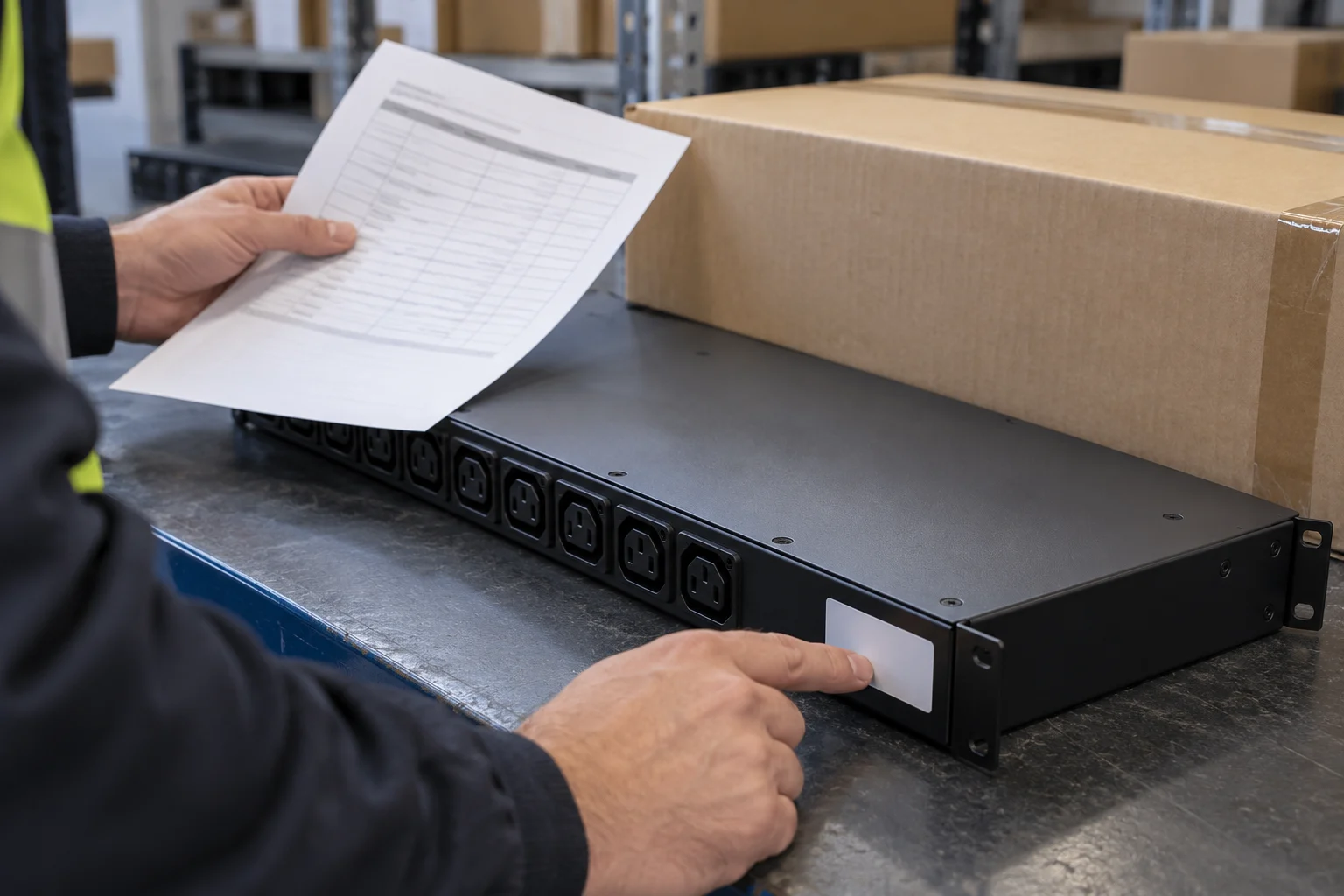
The rack power distribution page sits within Critical Power, Cooling and Racks and IT Power Distribution.
The APC Rack and Power Distribution eGuide is a catalog of rack systems and rack power distribution.
For a rack-power quotation, copy the exact family and part reference into your evidence request. For a mixed order, ask the seller to address each requested family. Continue your shortlist in the IT distribution directory. Keep any unanswered line open in your purchase review.
Check the role behind a partner-program description
The US mySchneider IT Partner Program is designed for value-added resellers, managed service providers and IT system integrators.
Partners who join the mySchneider IT Partner Program and get certified may, depending on availability in their country, gain access to program benefits.
Eligibility requirements and program terms apply; some benefits may have additional criteria.
Ask which program, product line and territory the seller is relying on for this quotation. Attach the reply to the order review alongside the locator result. For project-specific offers, use the deal-registration handoff guide.
Keep APC channel origin and warranty checks together
Under the US APC warranty terms, APC reserves the right to refuse warranty if the product was not sourced from the APC Distribution Channel or directly from APC.
The US terms state that limited factory and purchased extended warranties do not exclude, limit or suspend statutory or purchase-contract rights.
The US UPS warranty lookup uses the serial number rather than the UPS model number.
The US lookup results do not confirm warranty coverage in Europe or generally.
The US warranty terms direct customers to the APC Customer Care Centre for a more accurate indication of warranty duration and validity.
Keep the channel-origin response and warranty response in separate fields in your purchase record. Ask for both to be tied to the equipment you intend to accept.
Under the US UPS warranty lookup, warranty registration can take up to 10 days to process.
Under the US UPS warranty lookup, if no warranty dates appear, the product may need registration.
Prepare purchase records and the return contact
The US UPS warranty claim process asks customers to have the serial number and proof of purchase available.
Under the US UPS returns guidance, customers who bought through a reseller, distributor or partner should contact them directly about return or refund options.
For US UPS purchases through a reseller, distributor or partner, return eligibility and policies may vary by seller.
Retain the accepted quote, invoice and supplier scope response together. Record the return contact before ordering, and use how to verify a distributor for the broader company review.

Frequently asked questions
Where can I look for an APC authorized distributor?
The US APC purchasing guidance directs APC resellers toward authorized APC distributors.
How do I check an APC supplier for my destination?
Buyers are responsible for verifying with their supplier that the product originates from the APC-authorized channel for their country/zone. The global IT/APC partner finder asks users to select a country.
Which identifier goes into the APC warranty lookup?
The US UPS warranty lookup uses the serial number rather than the UPS model number. The US UPS warranty claim process asks customers to have the serial number and proof of purchase available.
Where should an unresolved purchasing request go?
The US APC purchasing guidance directs other purchasing requests to the Customer Care Center.
Sources
Schneider Electric — APC UPS factory warranty information | Schneider Electric United States
Schneider Electric — Find a Distributor - Where to Buy | Schneider Electric United States
Schneider Electric — Find an IT Partner or APC Partner | Schneider Electric
Schneider Electric — Protect your business: Buy authorized - Schneider Electric Blog
Schneider Electric — Rack Power Distribution | Schneider Electric USA
Schneider Electric — APC Rack and Power Distribution eGuide - Global Edition | Schneider Electric
Schneider Electric — mySchneider IT Partner Program | Schneider Electric United States
Schneider Electric — Where can I purchase APC products? | Schneider Electric USA
Request the authorized product-line list and territory
Send this request with your quotation reference and product list: “Please provide the authorized product-line list and territory covering the quoted legal seller and branch. Match the requested product family and part reference to the destination country or zone, attach current authorization evidence, and identify any stated validity period. For APC equipment, please confirm its authorized-channel origin for our destination and provide the warranty and return contact.”